
Watching Boom and Crash charts all day for the next spike is tiring, and for most of that time nothing happens. The Boom Crash Index EA for MT5 is designed to do that monitoring automatically. It runs on Deriv’s Boom and Crash 500 and 1000 indices, reads price movement on M1 or M5, and can either follow the slow drift or try to catch the spike. You decide how much it aims for and how much it can lose on each trade by setting the take profit and stop loss yourself.
At a Glance
| Platform | MetaTrader 5 only |
| Best symbols | Boom 1000, Crash 1000, Boom 500, Crash 500 |
| Timeframes | M1 and M5 |
| Minimum balance | $200 for 0.2 lot (as stated by the source) |
| Broker | A Deriv MT5 account, since Boom and Crash are Deriv’s synthetic indices |
| VPS | Recommended, so it can run 24/7 like the market |
| Price | Free |
It can be attached to other symbols, but the source specifically does not recommend that. It is tuned for the 500 and 1000 indices. The 500 versions spike about twice as often as the 1000 versions, so the same settings will behave differently on each. Test them separately rather than copying one setup across all four.
How the Boom Crash Index EA Approaches the Market
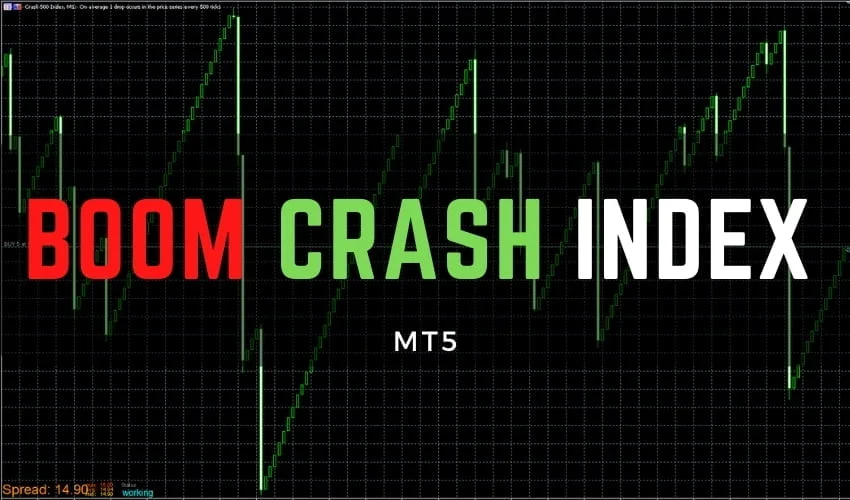
Boom and Crash have two very different phases. There is a long, slow drift in small steps, interrupted by a sudden spike: down on Crash, up on Boom. Most strategies pick one phase to trade. This EA is described as adaptive and based purely on price movement, so it can work either way:
- Trend mode: riding the drift between spikes, aiming for many small gains while the steady move continues.
- Spike mode: positioning for the sudden move itself. Each win is bigger, but there is more waiting and more small losses in between.
It also includes what the source calls a smart recovery algorithm. The details are not published, and in many EAs “recovery” means increasing size or adding trades after a loss to win it back. Treat it carefully. Watch how the EA sizes trades after a losing streak on demo before you let it near a funded account.
Setting Take Profit and Stop Loss
The source is clear on one point: set reasonable take-profit and stop-loss values, in points, for the index you trade. Results depend heavily on these, and no ready-made set file is included, so you will need to experiment. A practical way to start:
- Open a Boom or Crash M1 chart and measure a typical drift leg and a typical spike in points, using the crosshair tool.
- For drift trading, set the stop loss larger than a typical spike, otherwise every spike will stop you out. Then set a modest take profit.
- For spike trading, keep the stop loss tight, because if the spike does not come, the drift slowly works against you.
- Backtest each combination in the Strategy Tester on the exact index you will trade before moving on.
On lot size, $200 for 0.2 lot is aggressive for markets that can jump hundreds of points in one candle. Starting at the minimum lot and increasing slowly is much safer.
Test Before You Trust It
- Attach it to a Deriv demo Boom or Crash chart and check the Experts and Journal tabs for any errors or messages before anything else.
- Run it on demo for at least a couple of weeks with the TP/SL values you settled on.
- Note how it behaves after losses, especially if the recovery feature increases lot size.
- Go live only with the smallest lot size and money you can afford to lose.
Prefer to trade these markets yourself? Our free Boom and Crash indicator marks turning points and volume pressure, and our guide Trading Boom and Crash Manually? Try This First covers the discipline side. More tools are on our free Expert Advisors and free trading tools pages.
How to Install the Boom Crash Index EA
- Download the zip below and unzip it.
- In MT5, open File → Open Data Folder, go to MQL5 → Experts and paste Boom Crash Index.ex5.
- Restart MT5, or right-click Expert Advisors in the Navigator and choose Refresh.
- Open a Boom or Crash 500/1000 chart on M1 or M5 and drag the EA onto it.
- In the Inputs tab, set your lot size, take profit and stop loss. Tick Allow Algo Trading and click OK.
- Make sure the Algo Trading button on the toolbar is on (green).
- Telegram channel: https://t.me/StunnedCandles
- Contact me directly: https://t.me/StunnedCandlesAdmin
Risk warning: Automated trading of synthetic indices carries a high risk of loss and is not suitable for everyone. Boom and Crash spikes can be sudden and large, and recovery-style logic can increase exposure after losses. This EA is shared free for education and is not financial advice. It does not guarantee profits. Never risk money you cannot afford to lose. See our Risk Disclaimer.